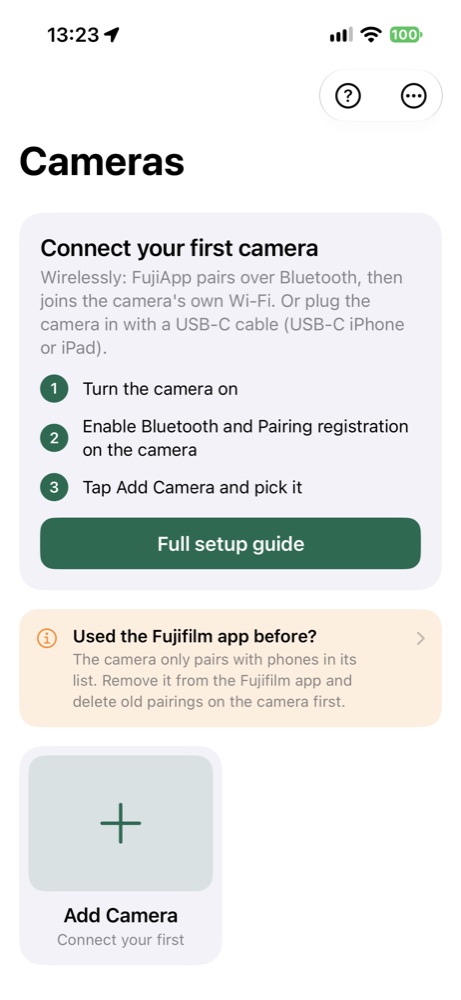
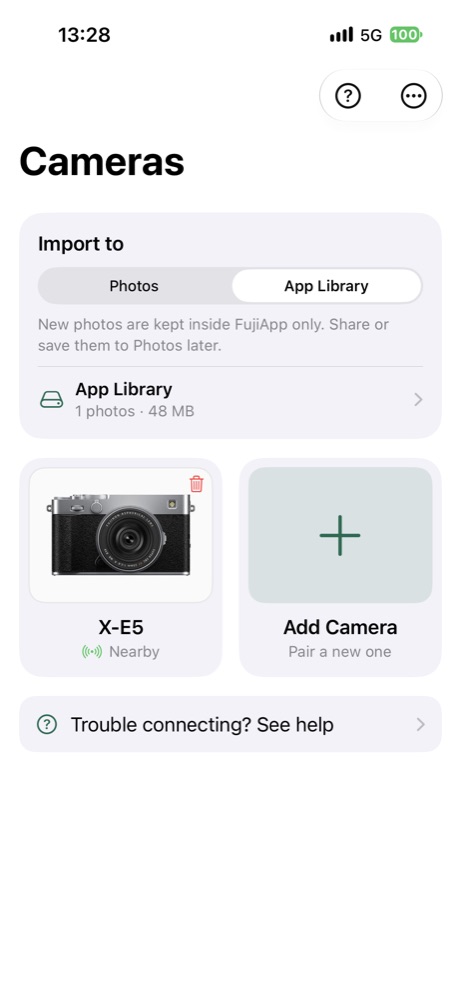
FujiApp browses a Fujifilm camera's photos and imports JPEG, RAW (RAF) or RAW+JPEG shots into the iOS Photos library and/or an in-app library. It pairs over Bluetooth and joins the camera's Wi-Fi on its own, or connects over a USB cable. It also works through Siri, Shortcuts and a Control Center button.
Features
- Photos-style grid with thumbnails: pinch zoom, filters, grouping by day.
- Import JPEG, RAW (RAF) or RAW+JPEG to Photos, keeping the original files.
- Bluetooth pairing, automatic joining of the camera's Wi-Fi: you only tap the camera.
- Automatic reconnect, and interrupted downloads resume where they stopped.
- USB-C cable connection; a plugged-in camera opens the same library.
- In-app library that works without a camera, filterable by format, camera and "not in Photos".
- EXIF data plus Fujifilm film simulation and dynamic range.
- Siri, Shortcuts, Control Center button and Live Activity. Optional geotagging via your phone's location.
- English and Czech.
Requirements
- iPhone or iPad with iOS 17 or later (the Control Center button needs iOS 18).
- Fujifilm camera with Bluetooth and Wi-Fi, or USB. Tested on the X-E5 and X-H2.
- Newer bodies (X-T5, X-S20, X100VI and others) are untested and probably work. Older bodies (X-T4, X-T3, X-Pro3 and others) probably can't pair over Bluetooth.
- USB needs a USB-C device, or Apple's Lightning to USB Camera Adapter.
Info
Swift / SwiftUI · iOS 17+ · no third-party libraries · currently in TestFlight beta.
Interested in testing? dev@codefritters.com